
Your schedule in your own calendar
Put what is going out next to your appointments, in Google Calendar, Outlook or Apple Calendar.
Why
Your schedule is in Ploffo, but your day is in your calendar. As long as those two sit apart, you only notice something is going out this afternoon once it has gone out.
With the calendar feed your posts sit between your appointments: date, time, channel and title. Read-only — your calendar is a window, not a control panel.
How to add it
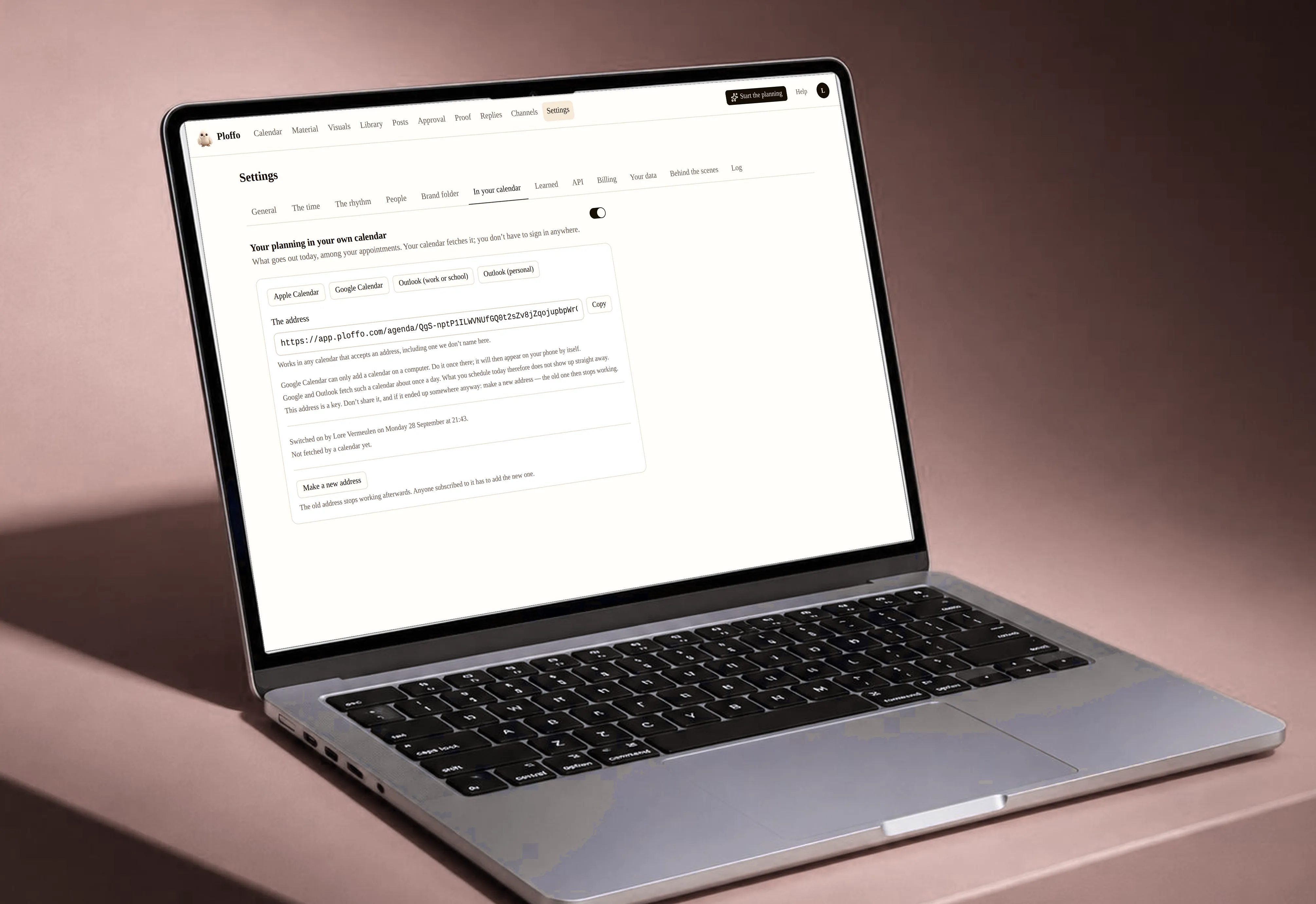
You get one address per workspace. You paste it into your calendar:
- Google Calendar — Settings, then Add calendar, then From URL. This only works on a computer; the app on your phone does not have that button. Do it once on a computer and it will show up on your phone afterwards.
- Apple Calendar — the subscribe link opens it straight away.
- Outlook — Add calendar, then Subscribe from web, and paste the address.
New posts do not appear immediately
Google and Outlook fetch a calendar like this about once a day. Schedule something this afternoon and it will be there tomorrow. That is their pace, not ours — and it is why the feed is an overview and not an alarm.
That address is a key
A calendar cannot sign in. Everything that protects the feed therefore sits in the address itself: it is long and random, and it belongs to one workspace.
So do not hand it around. If it has ended up somewhere it should not be, create a new address in the settings — the old one stops working immediately.
What is not in it
No images, no full texts, no client names. Anyone intercepting the address learns that something goes to LinkedIn on Tuesday at nine, not what.
Still stuck? Ask your questionAll topics