
Billing, switching plans and cancelling
Where your invoices are, what happens when you switch plans, and how to stop.
Where your invoices are
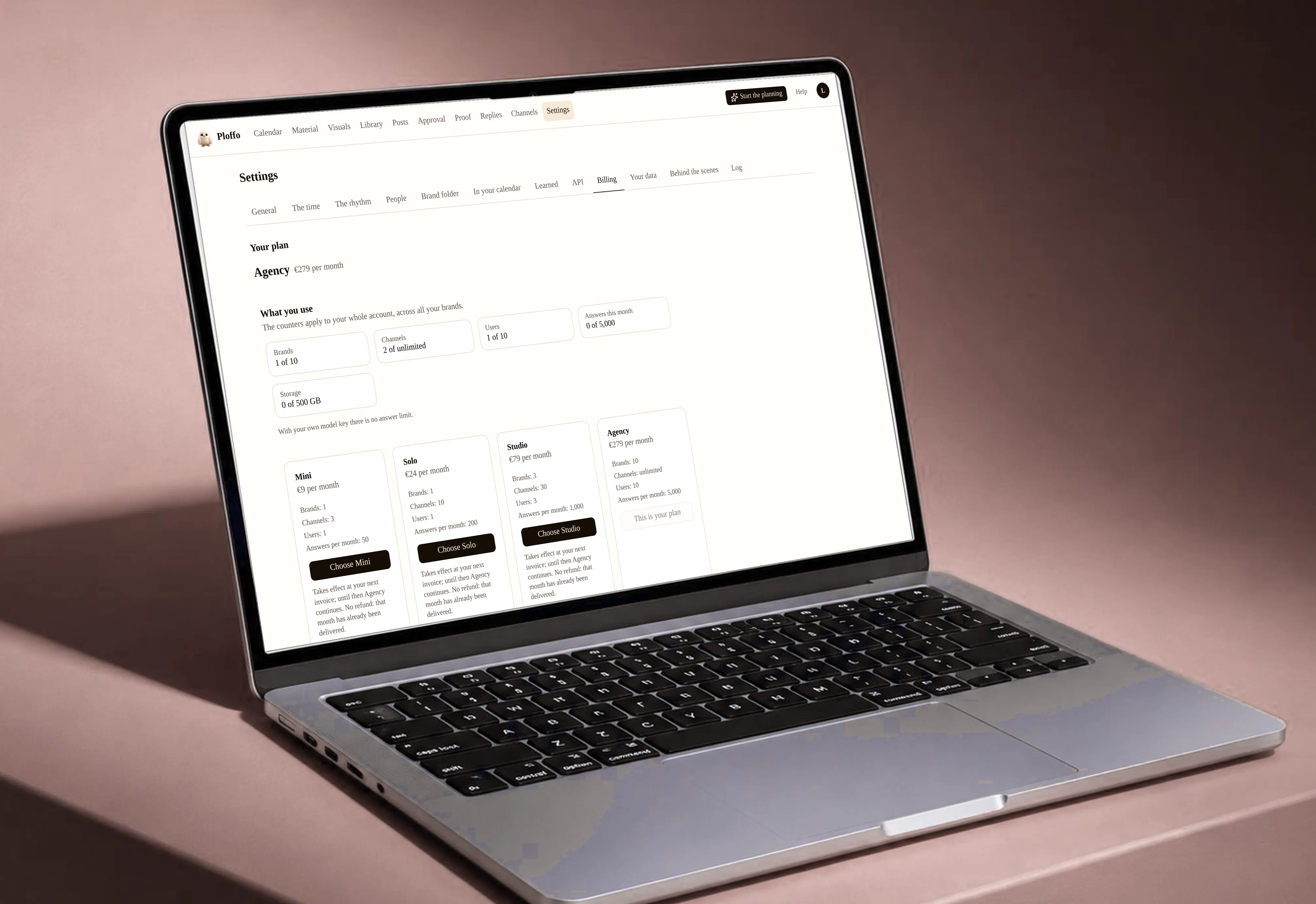
Under Settings › Billing. Every invoice is there as a PDF, in your company’s name, with your VAT number on it. You pay monthly in advance.
Billing belongs to the workspace, not the person. Only the owner sees them.
Switching plans
Any time, and the direction decides when the money moves.
Up takes effect immediately: the difference is prorated and the new limits open straight away.
Down takes effect at your next invoice. The current plan runs to the end of the month you’ve already paid for, and nothing is refunded — that month was delivered.
If you go down while using more workspaces, channels or users than the smaller plan allows, we show you what has to go first. Nothing is ever cut off afterwards.
A payment that fails
You get a message and we try again. If it keeps failing, we may suspend the service after a reminder. Your scheduled posts stay put; they just don’t go out.
Cancelling
Where: Settings › Billing › Cancel subscription.
Any time, effective at the end of the month you’ve paid for. Until then your scheduled posts go out as planned.
Delete your account after that and your data stays for another thirty days with a way back. See Your data.
Still stuck? Ask your questionAll topics